.jpg)
V1.3.2.0 Xhorse Multi-Prog Software Download
The XDMPG0GL Multi-Prog ECU Programmer is a versatile tool meticulously designed by Xhorse to access and modify crucial data stored in a vehicle's Engine Control Unit (ECU) and Transmission Control Unit (TCU). From engine maps to transmission parameters and immobilizer settings, the XDMPG0GL ECU Programmer empowers users with unprecedented control and customization.
PN: XDMPG0GL
Software: V1.3.2.0, update online
Firmware: V1.4.4 update online
Database version: V80
Lifetime free update online.
Language: English, Chinese
System Requirements:
-
Compatible with Windows 10/11 (64-bit)
-
Requires an active Xhorse account login for updates and MQB48 license usage
How to Install Xhorse Multi Prog Device Driver?
The driver installation guide is for the Windows 7 operating system. Windows 10 will automatically install the device driver.
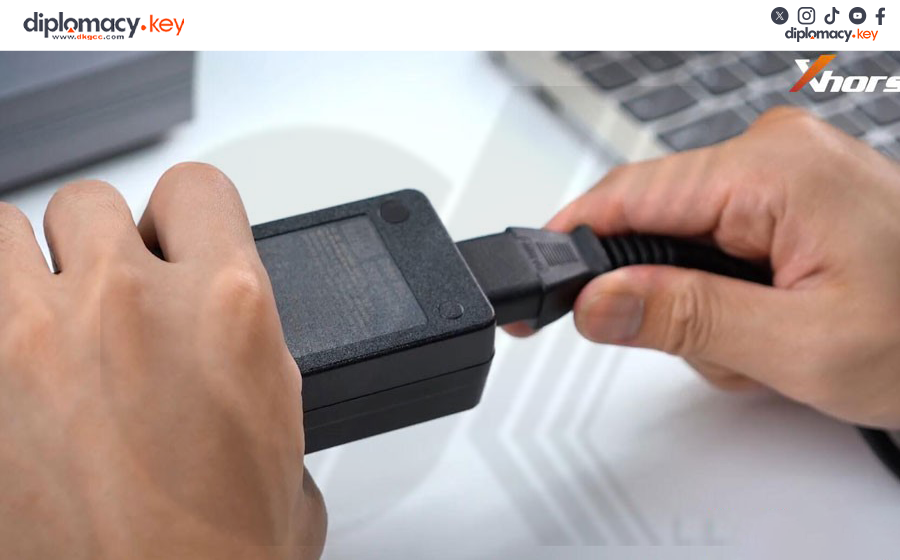
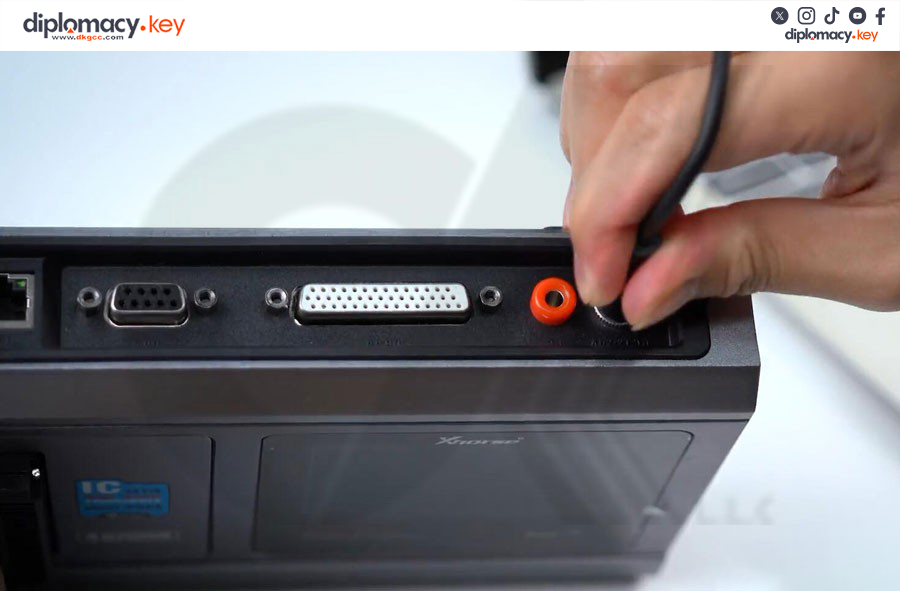
- First of all, connect Xhorse Multi-Prog with a laptop via a USB cable.
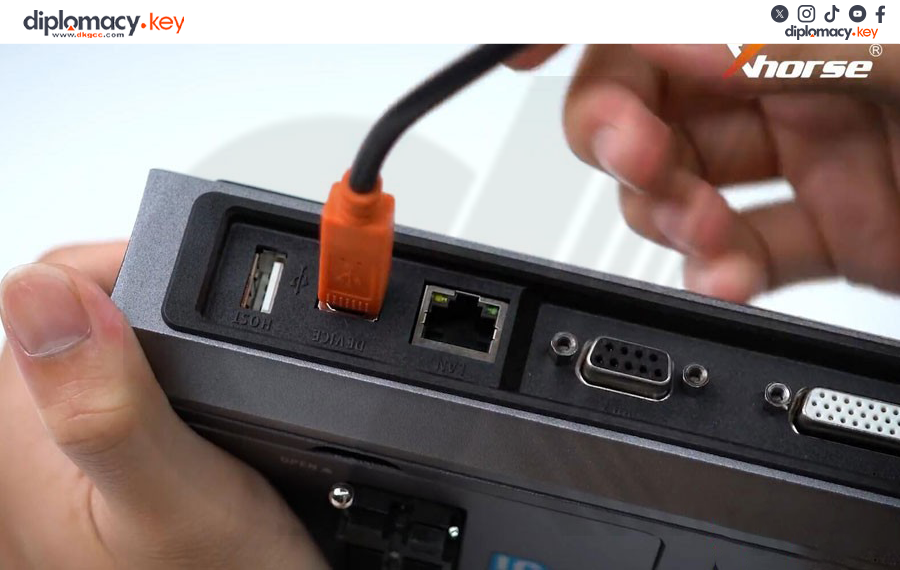
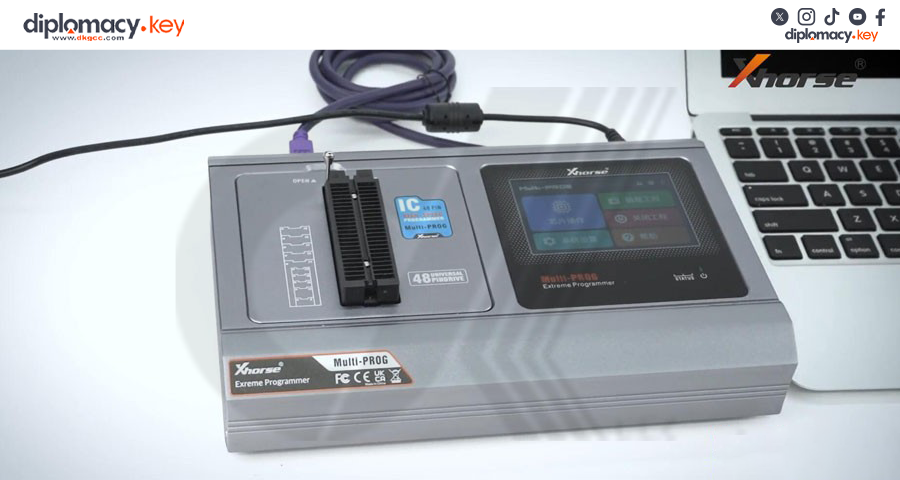
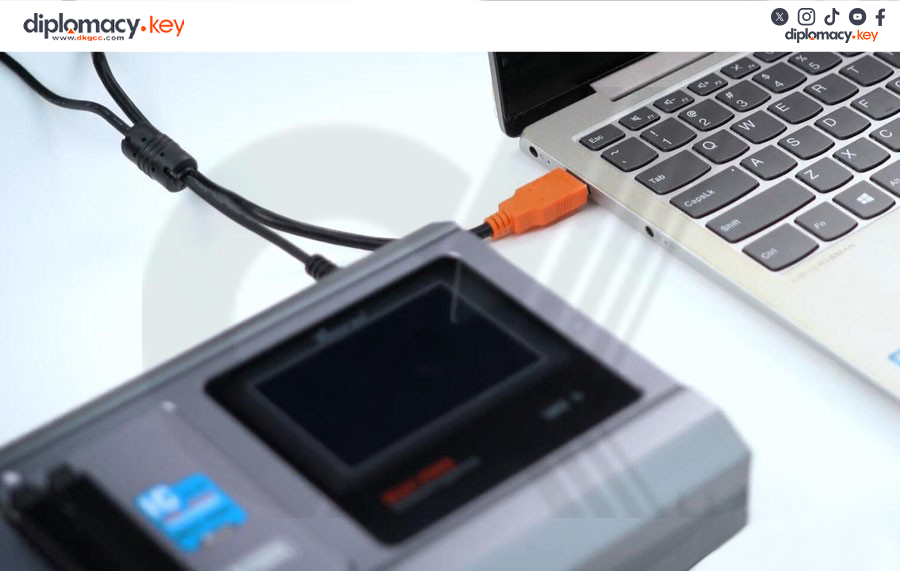

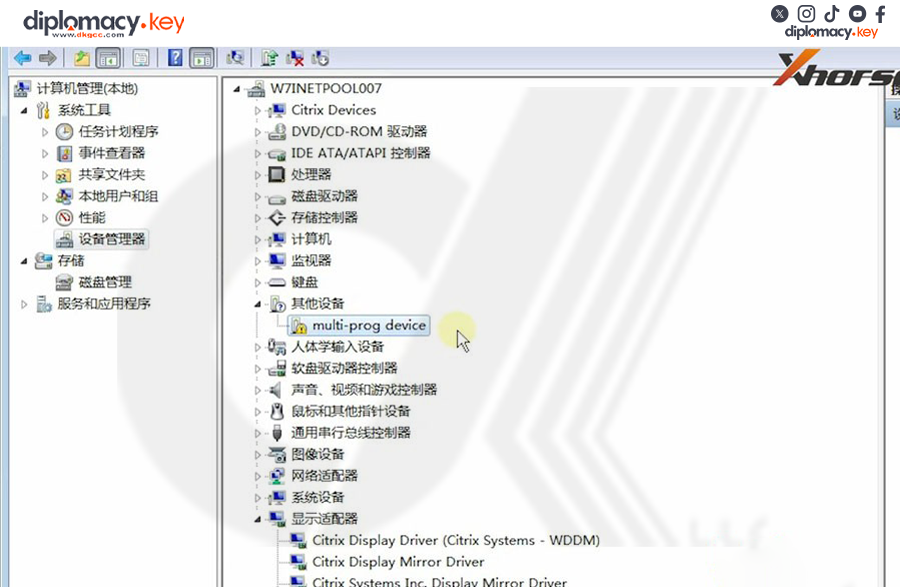
If Windows says device driver software was not successfully installed, go to the device manager, check the device status.
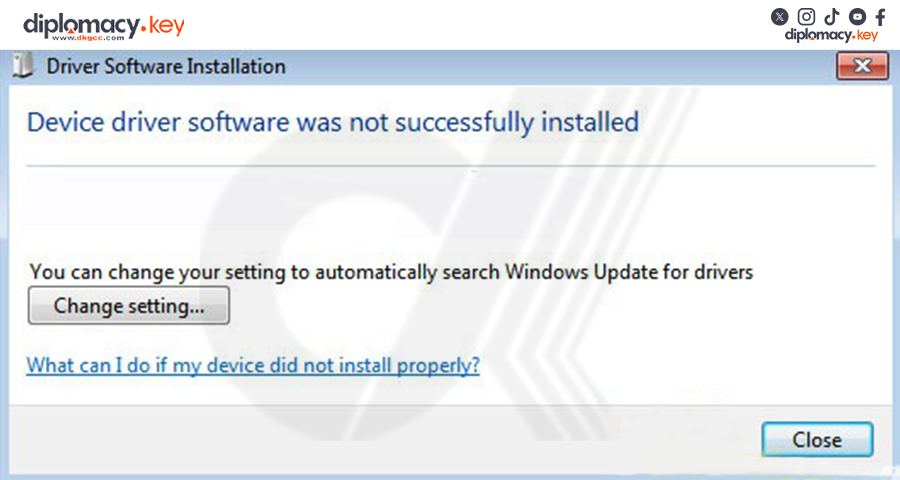
You can see the Multi-prog device is not connected (yellow exclamation mark).
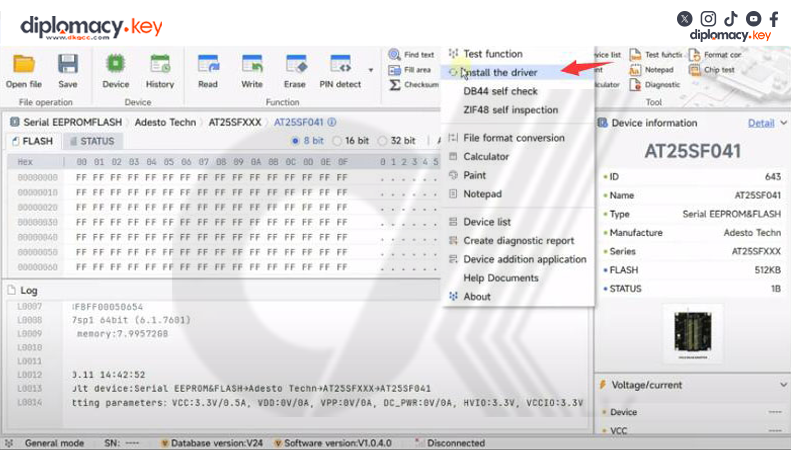
Run Xhorse Multi Prog software. Go to Help tag->Install driver
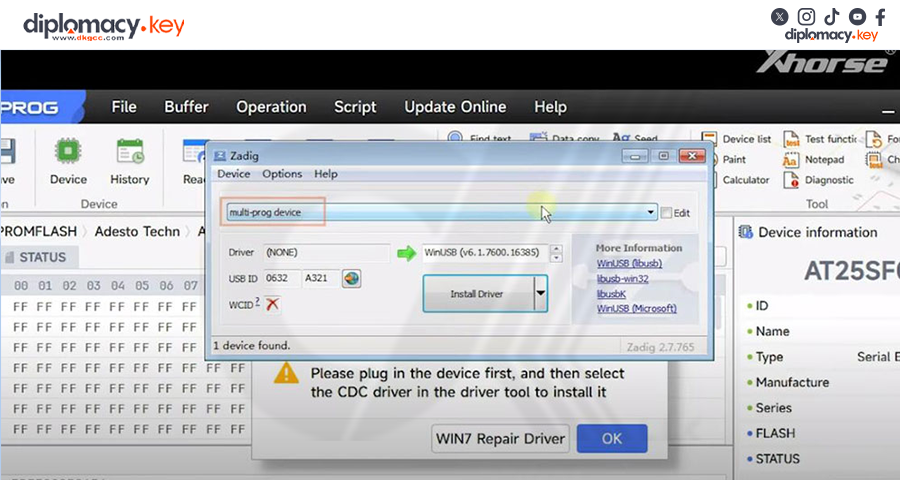
There will be a pop-up; the device name will be automatically identified here.
If it is blank, it means that the device is not recognized, and we need to replug the device or change the port until the Multi Prog device appears here.
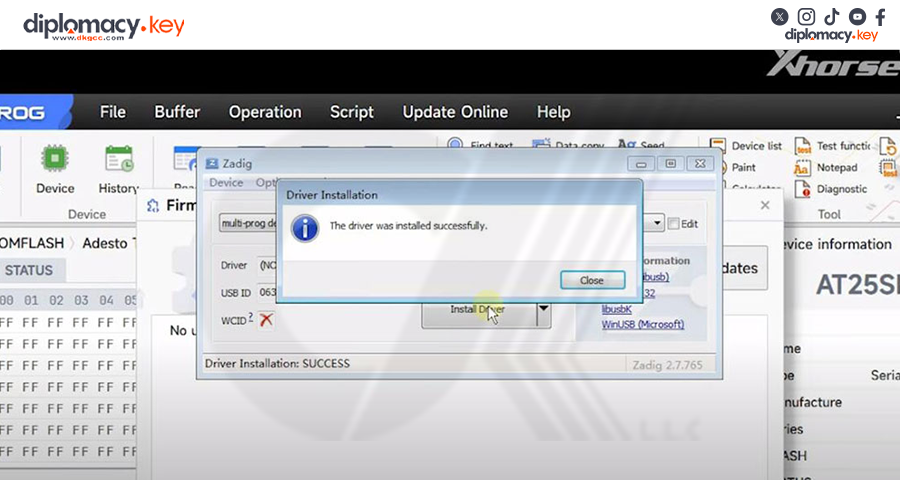
Then choose device type as USB Serial (CDC), press Install Driver
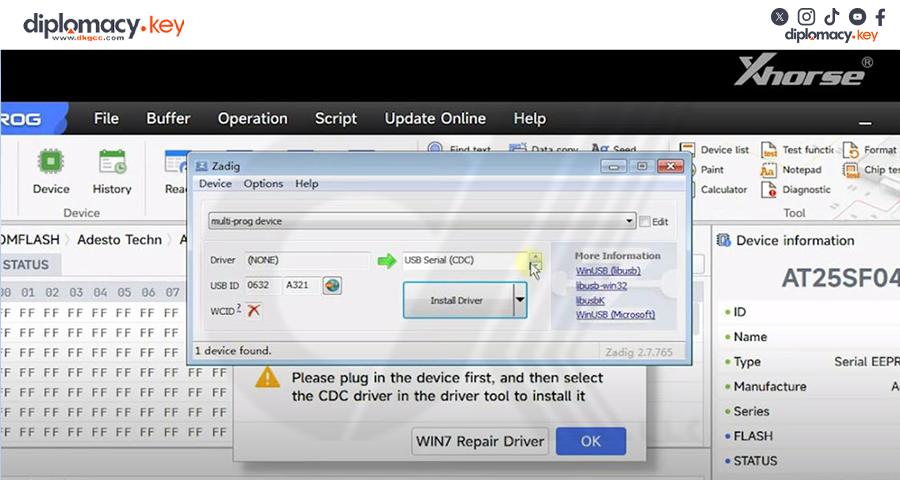
The driver was installed successfully.