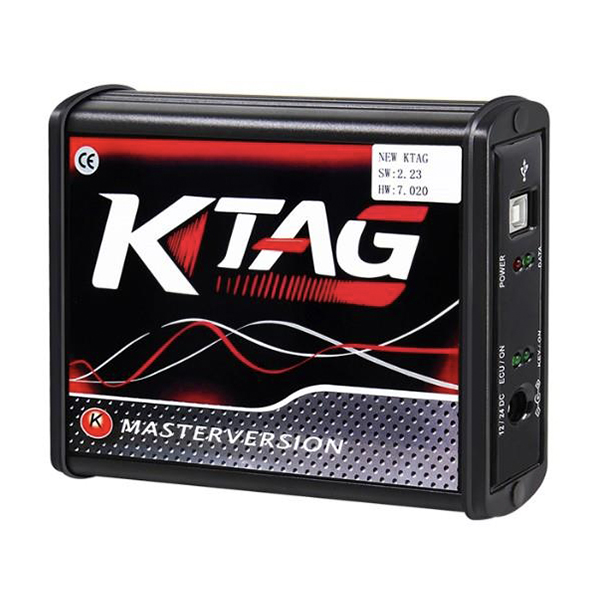
V2.25 KTAG ECU Programmer Software Download and Installation
Unlock the full potential of vehicle ECU programming with the KTAG Master Version V7.020. This tool supports a wide range of protocols including BDM MOTOROLA MPC5xx and J-Tag for Asian vehicles, ensuring compatibility with both cars and trucks. Designed to meet the exact needs of our customers, KTAG is ideal for professionals seeking a reliable and efficient chip tuning solution.
KTAG ECU Programmer Software Download Key Features
Hardware and Software
- Hardware Version: V7.020
- Software Version: V2.25
- Supported OS: Windows XP, Win7, Win8
Supported Languages
- English, Italian, German, French, Portuguese, Spanish
Update Method
- Update via CD or secure download link
Usage Notes
- Avoid online updates to prevent device damage.
- Close anti-virus software when running KTAG to ensure smooth operation.
KTAG ECU Programmer Software Download Setup Tutorial Video
Step-by-Step Visual Guide:
- Inserting CD: Start by inserting the setup CD into your computer
- Installing Software: Follow the on-screen instructions to navigate through the setup files and install necessary drivers.
- Completing Setup: Complete the installation by selecting your preferred language and finishing the setup process.
-
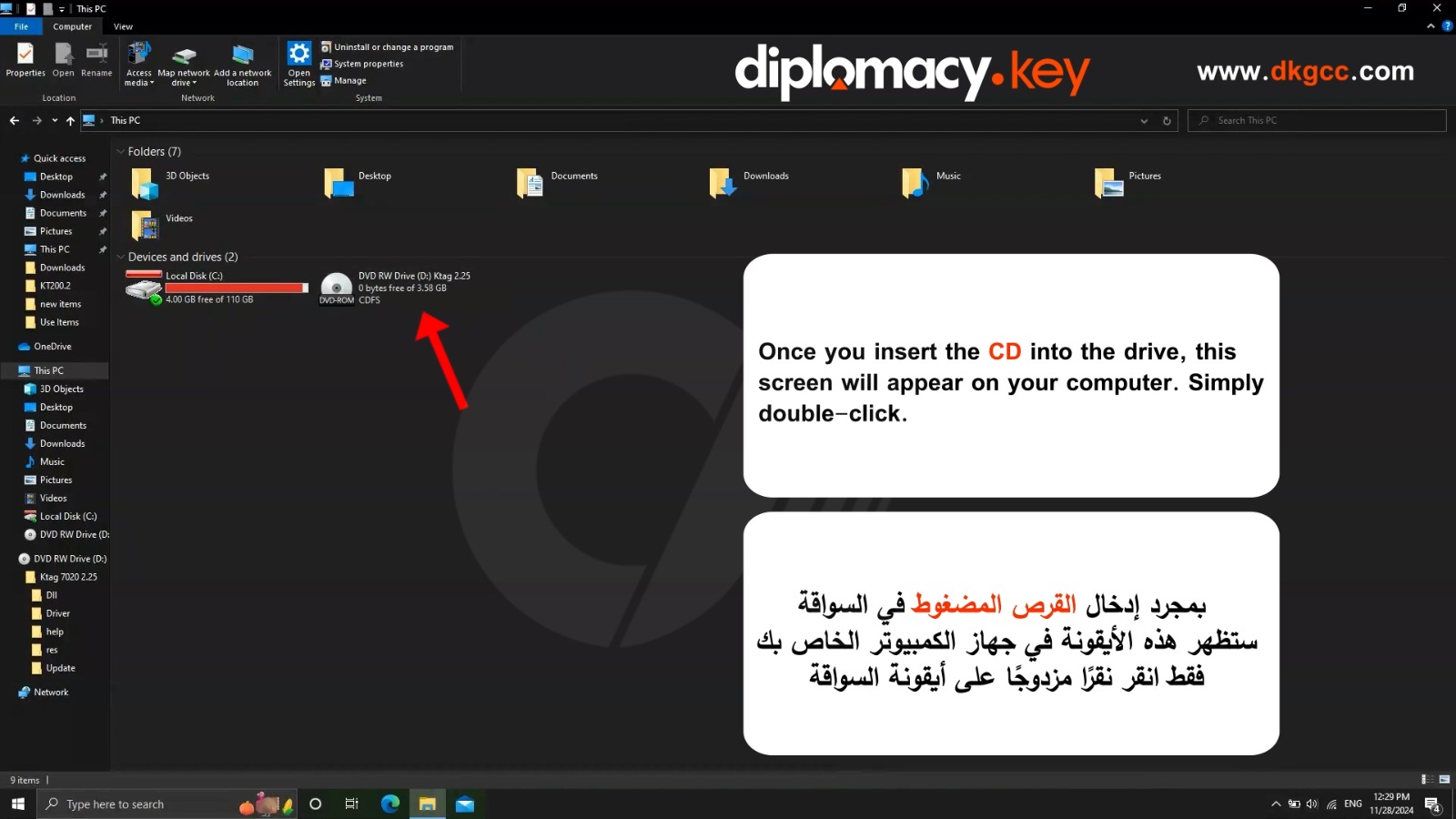
Once you insert the CD into the drive, this screen will appear on your computer. Simply double-click
-
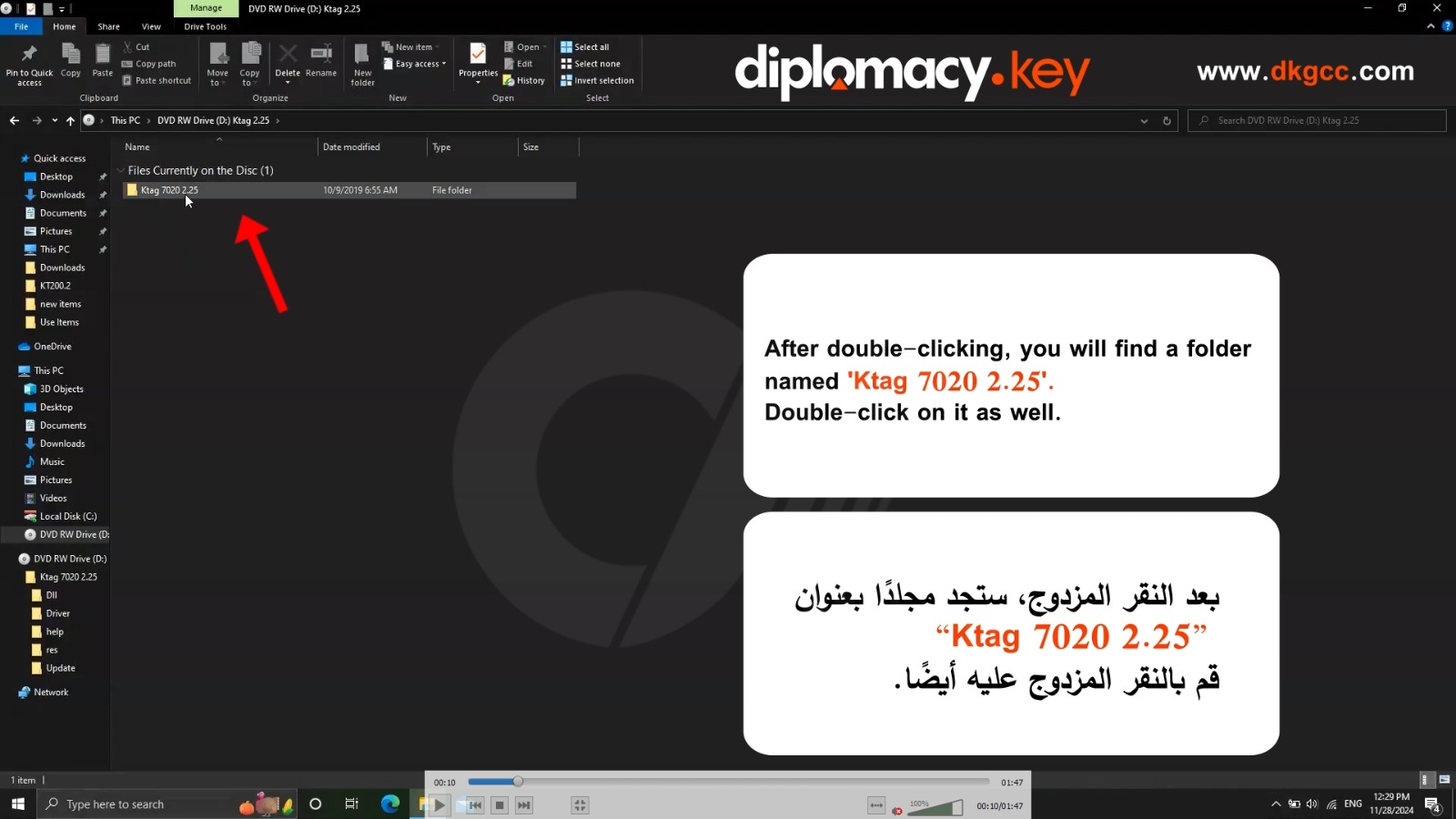
After double-clicking, you will find a folder named 'Ktag 7020 2.25'. Double-click on it as well.
-
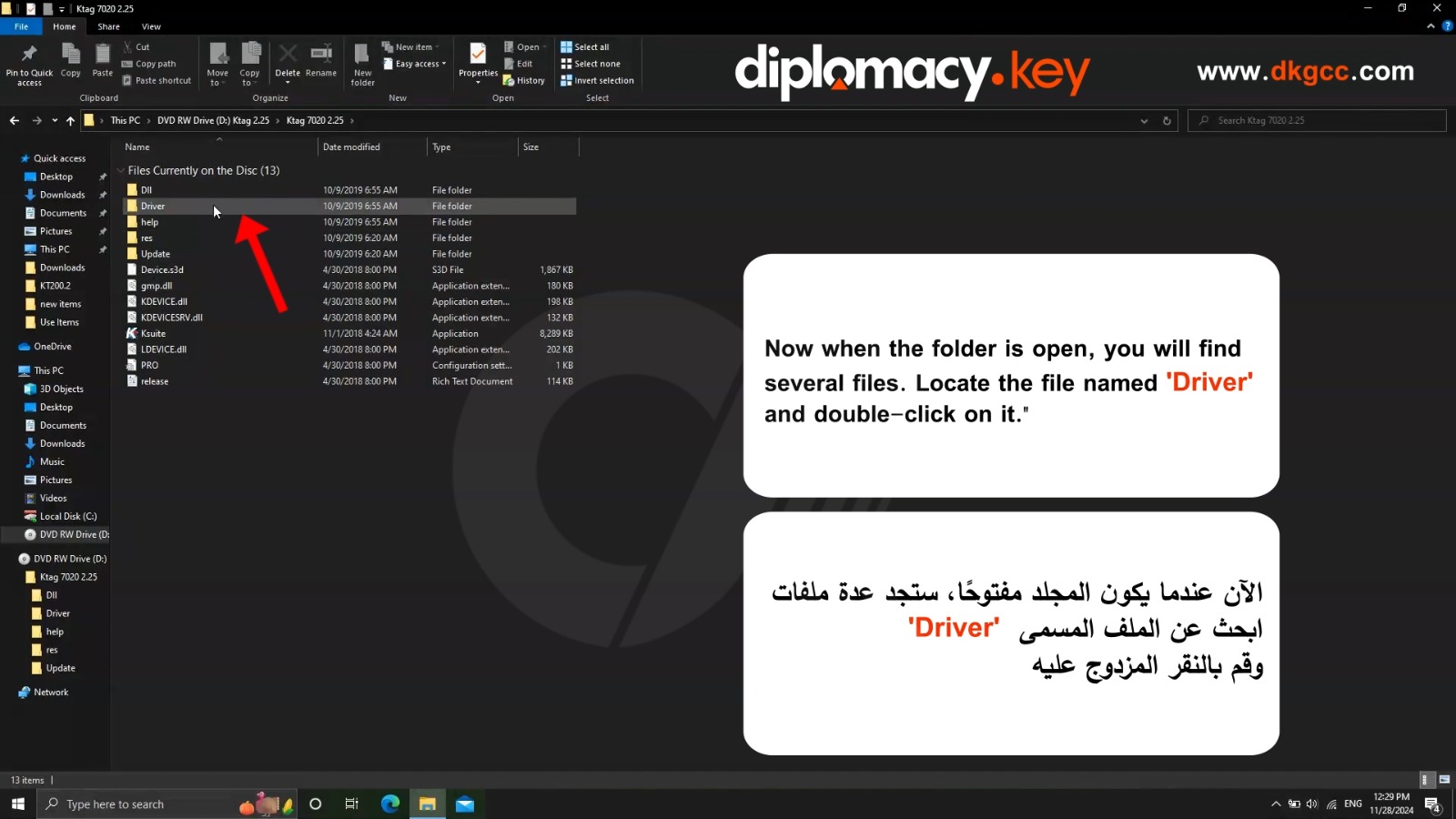
Now when the folder is open, you will find several files. Locate the file named 'Driver' and double-click on it.
-
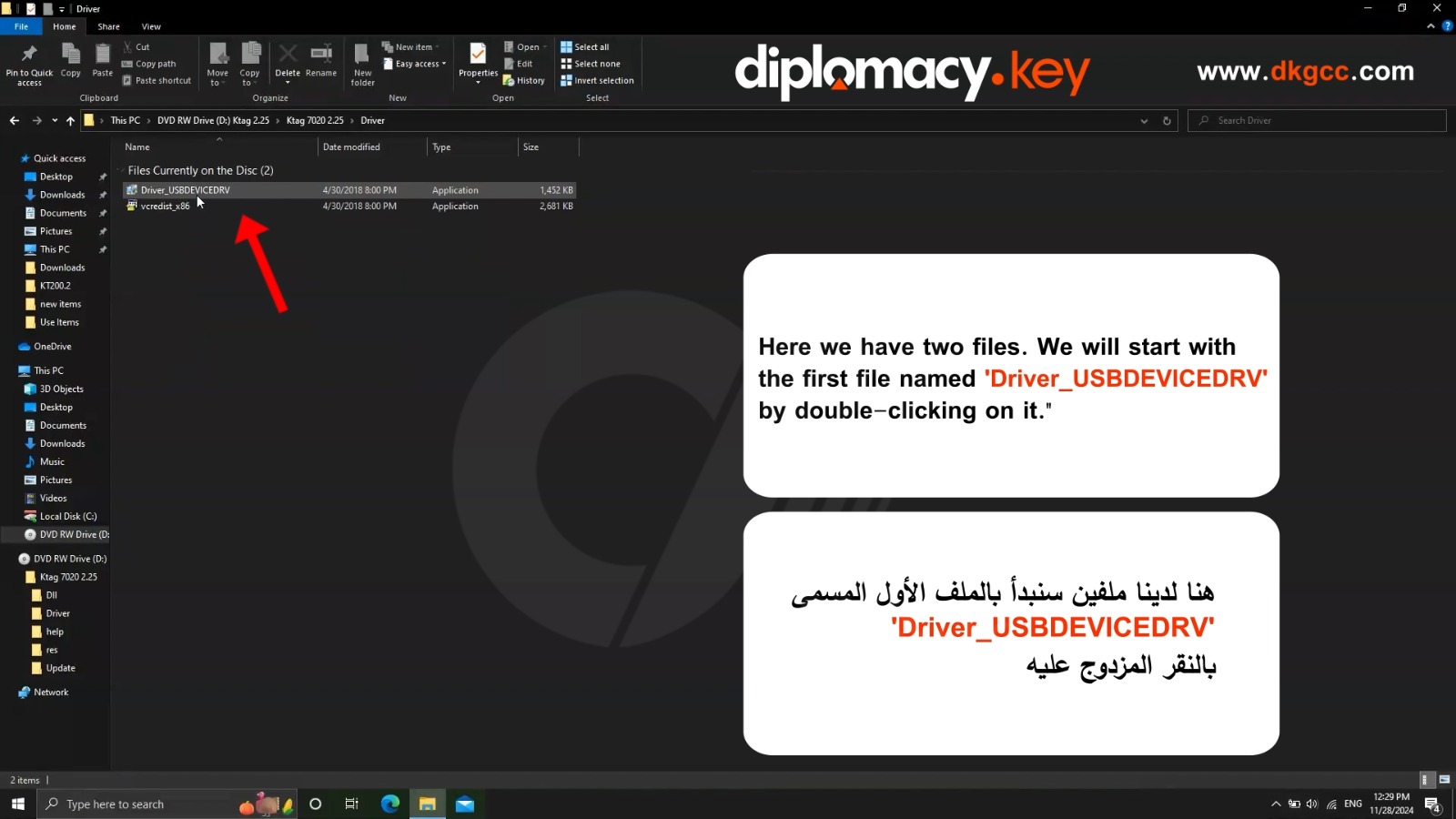
Here we have two files. We will start with the first file named 'Driver_USBDEVICEDRV' by double-clicking on it.
-
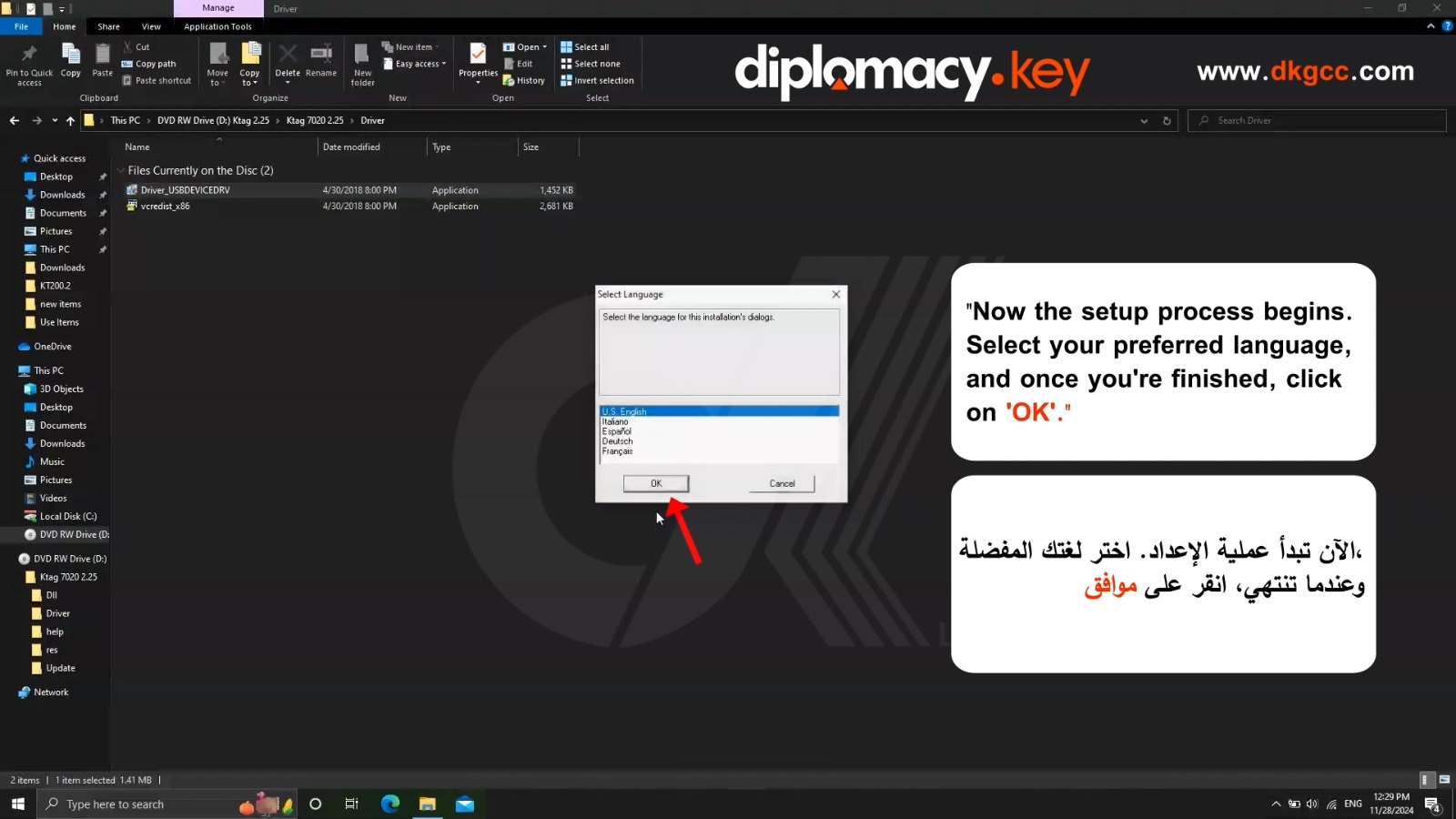
Now the setup process begins. Select your preferred language, and once you're finished, click on 'OK'.
-
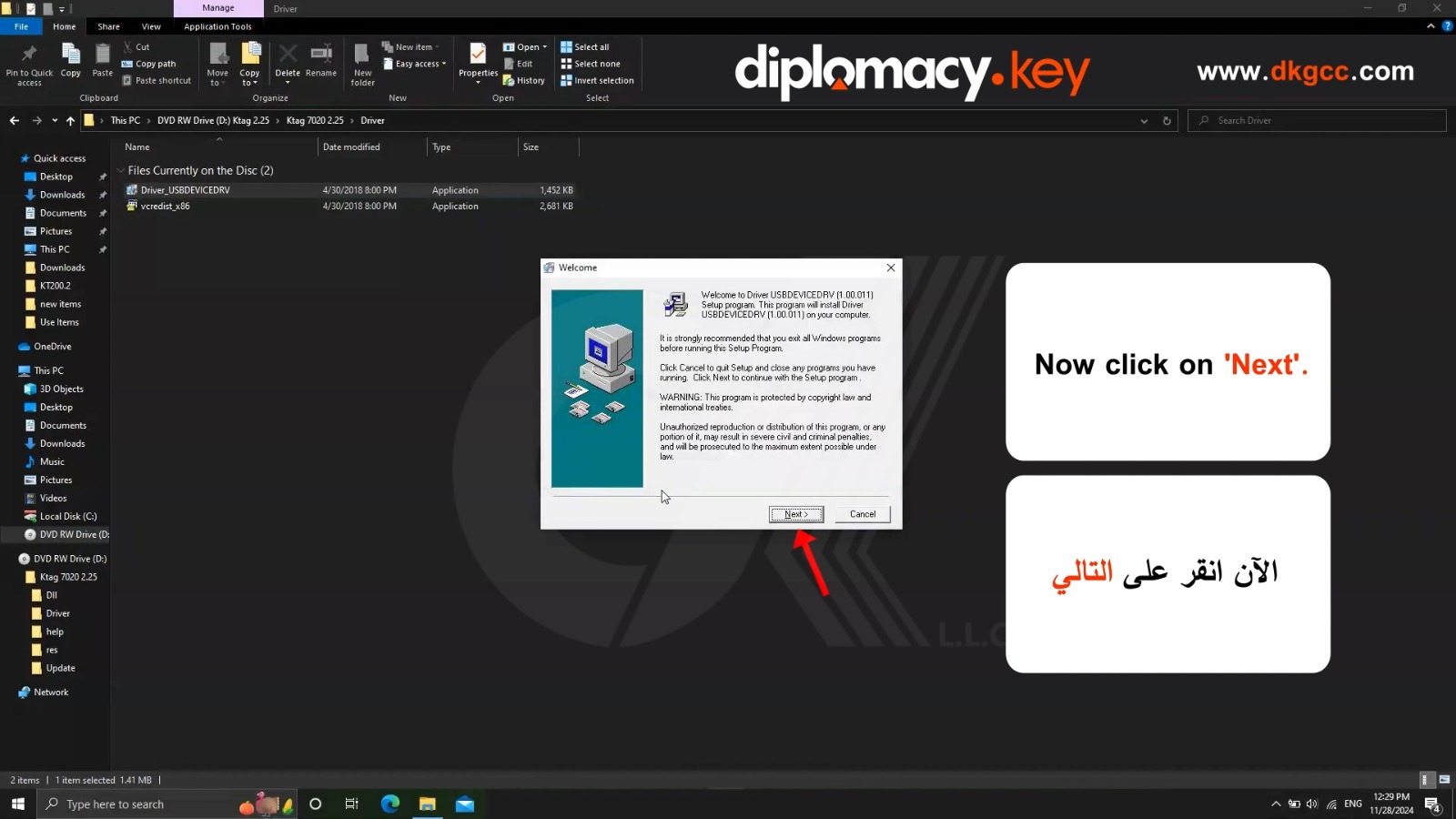
Now click on 'Next'.
-
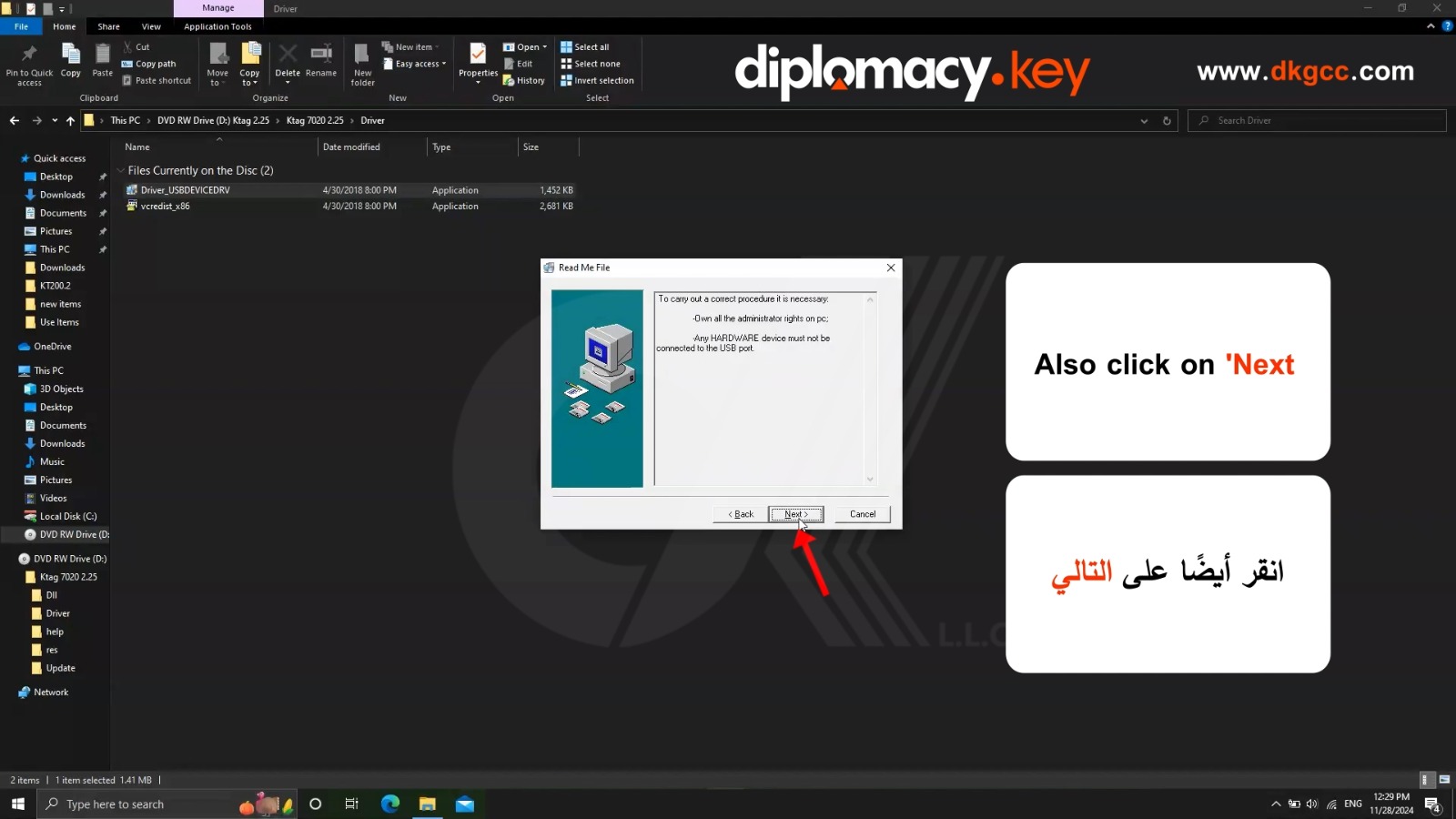
Also click on 'Next
-
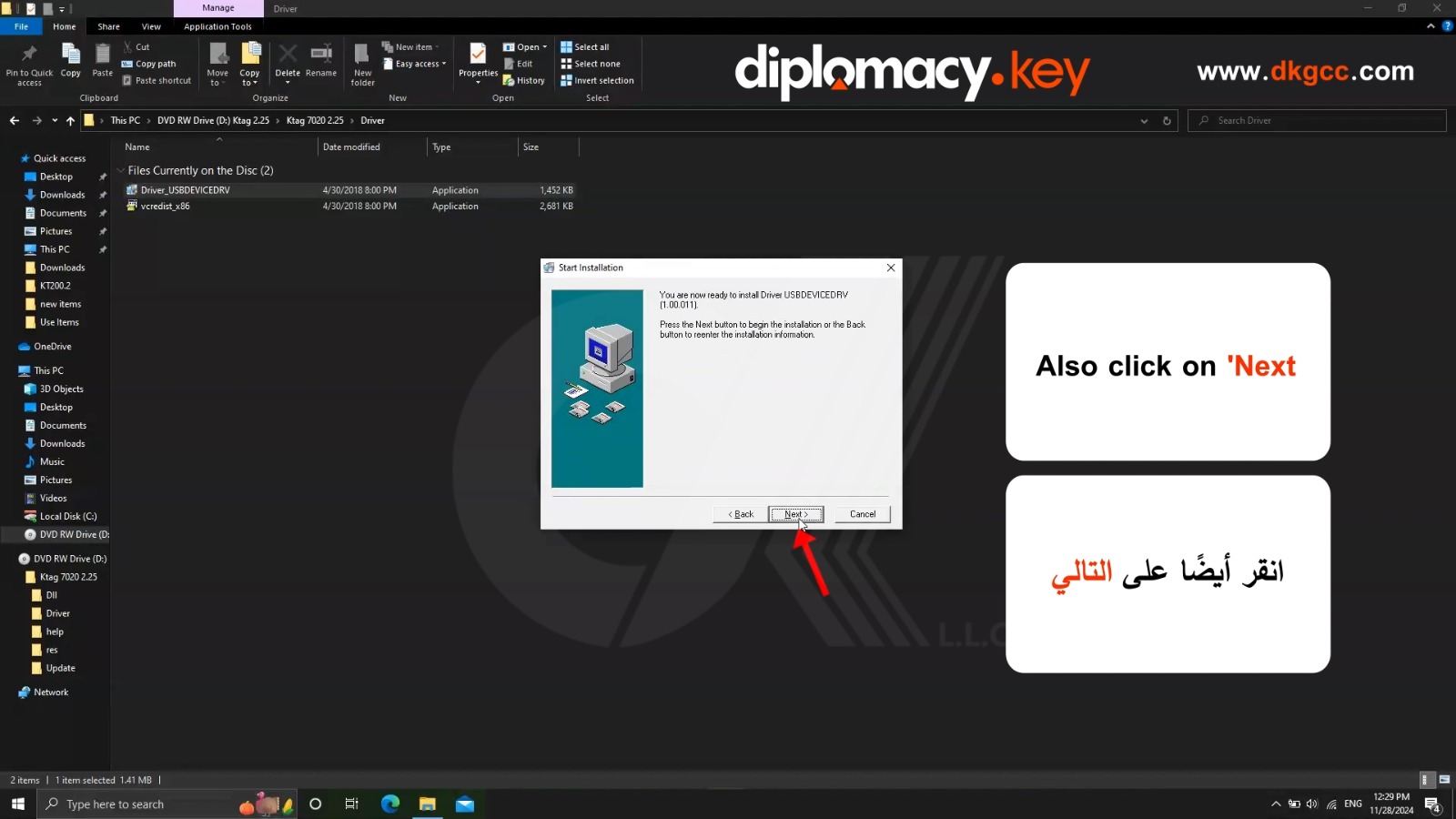
Now click on 'Next'.
-
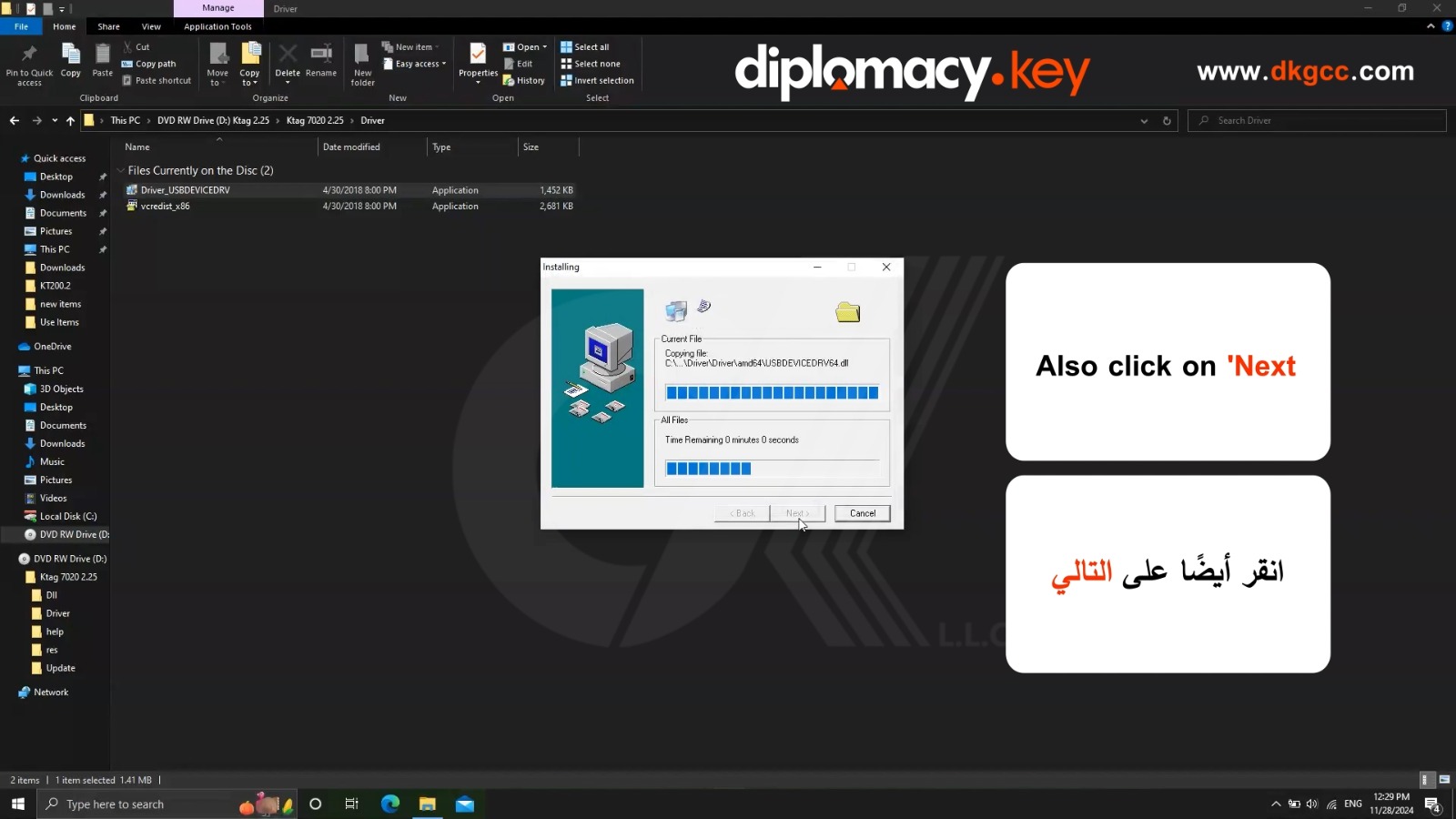
Now click on 'Next'.
-
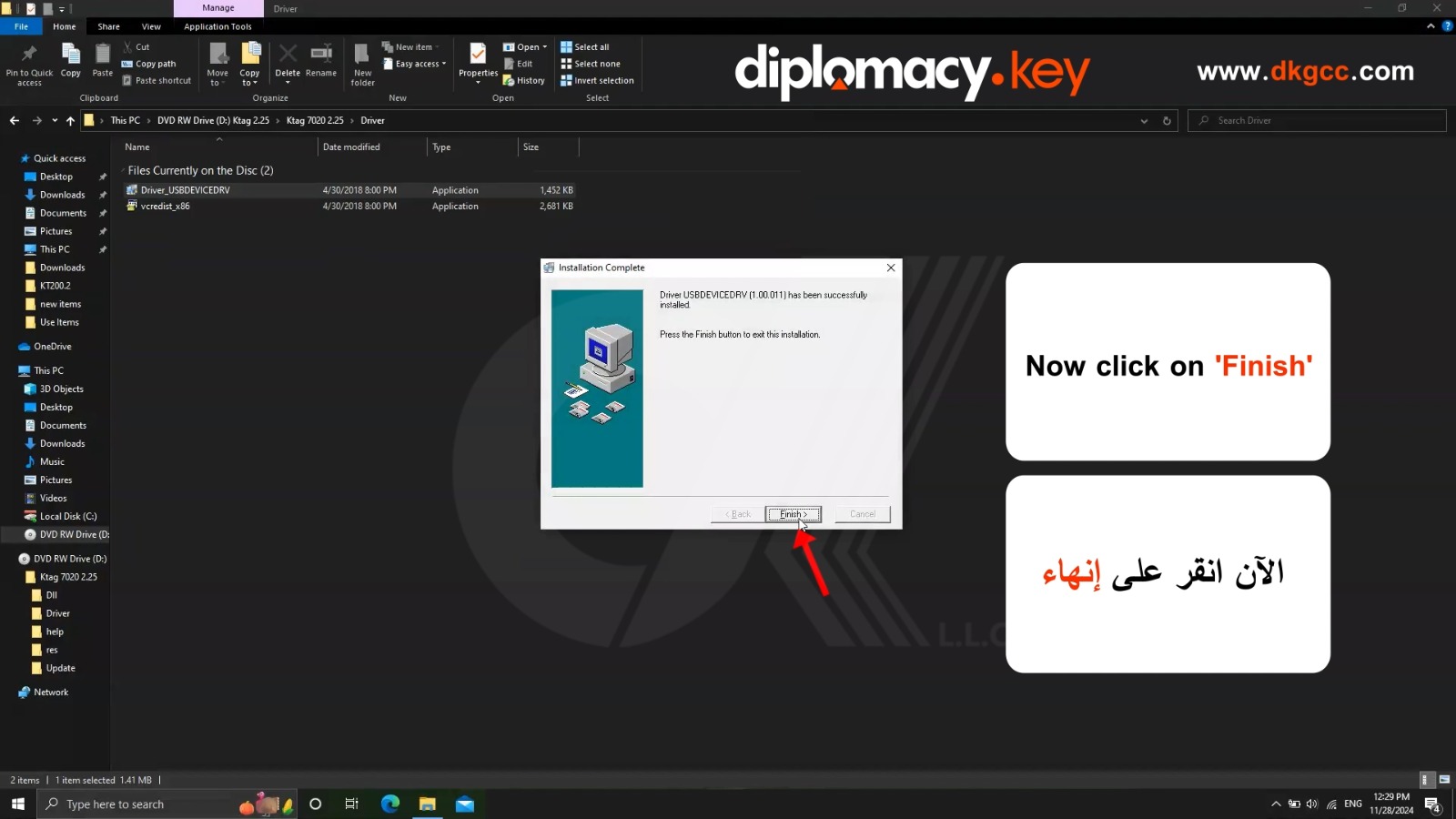
Now click on 'Finish'
-
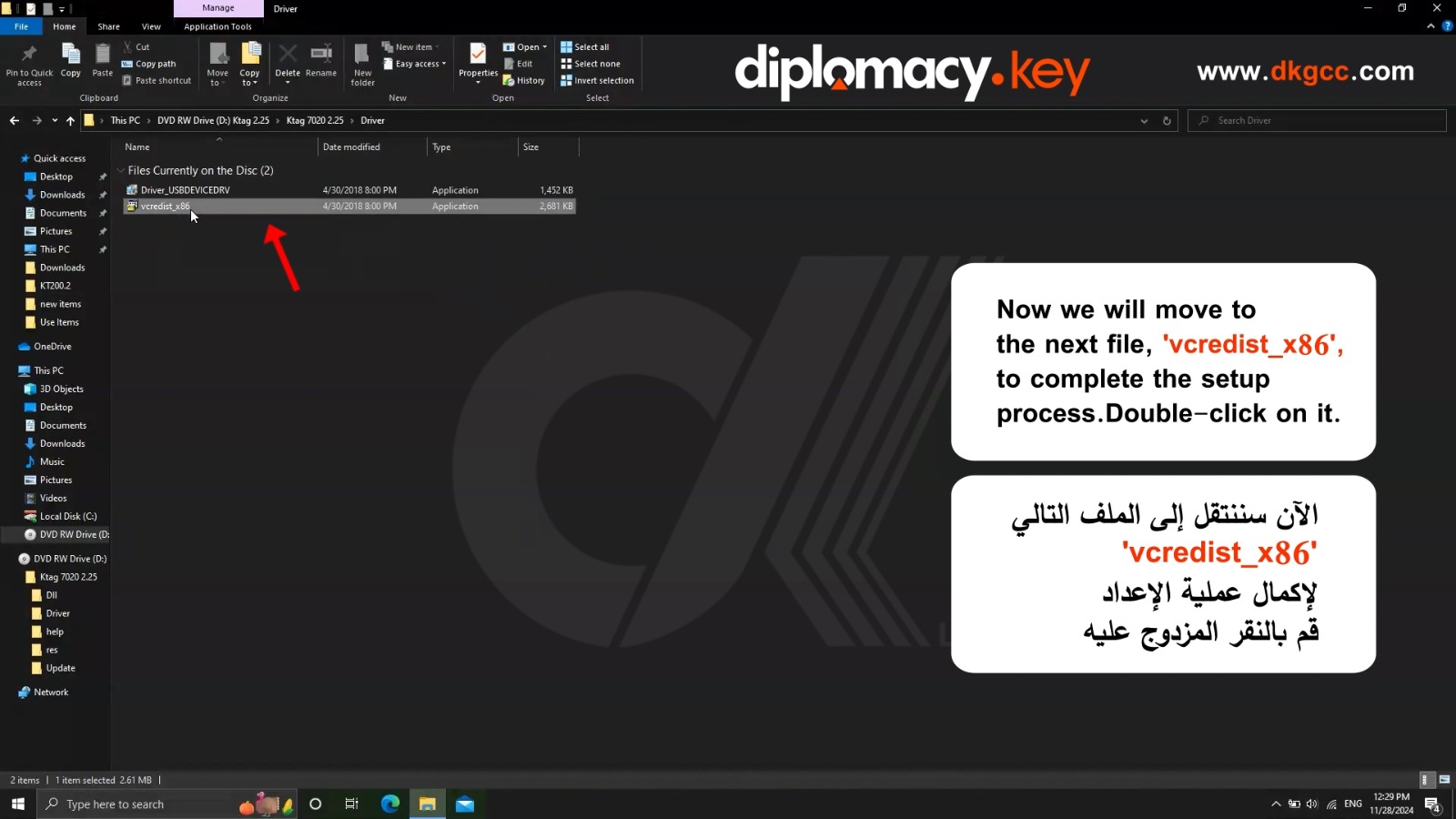
Now we will move to the next file, 'vcredist_x86', to complete the setup process. Double-click on it.
-
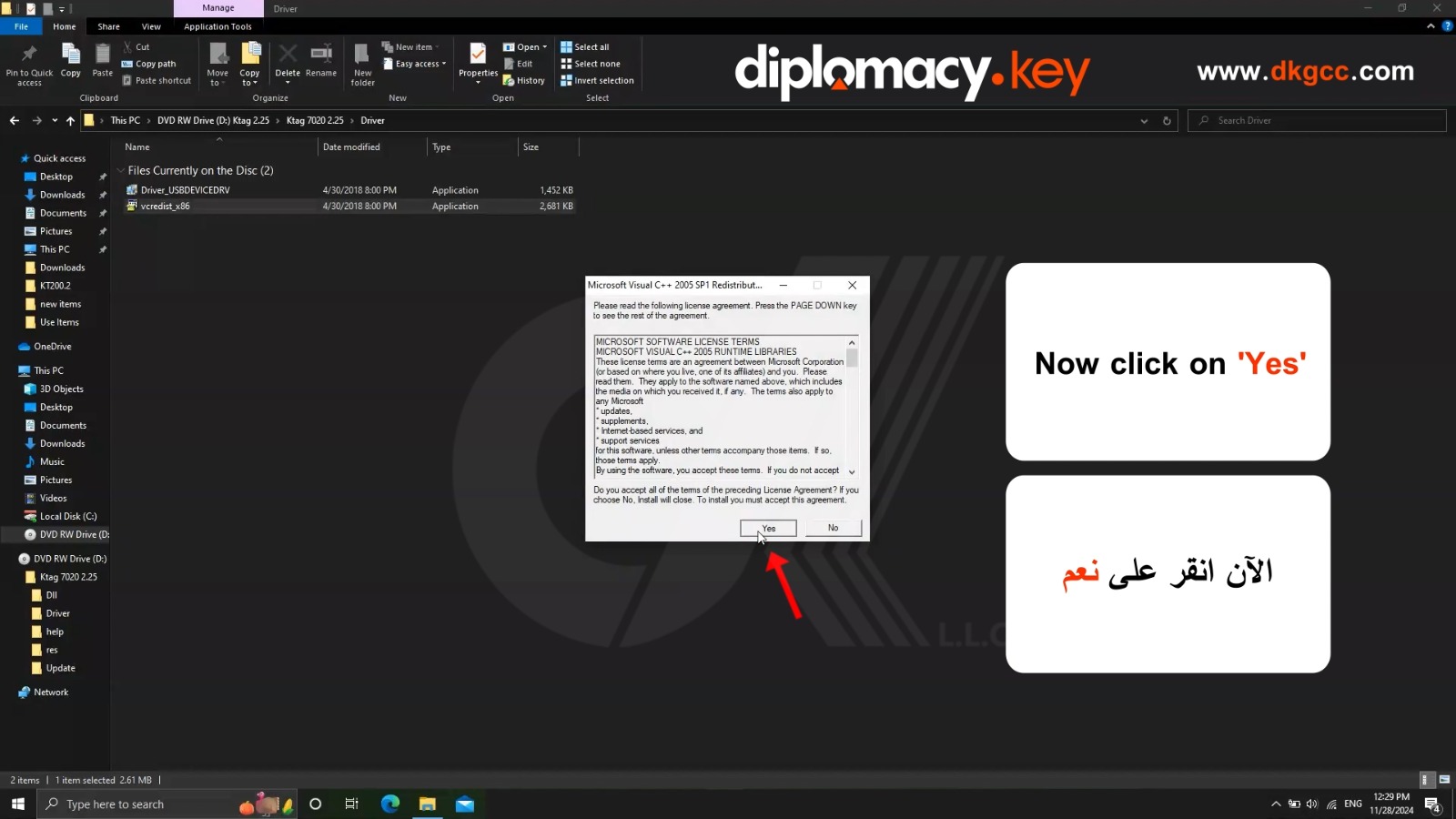
Now click on 'Yes'
-
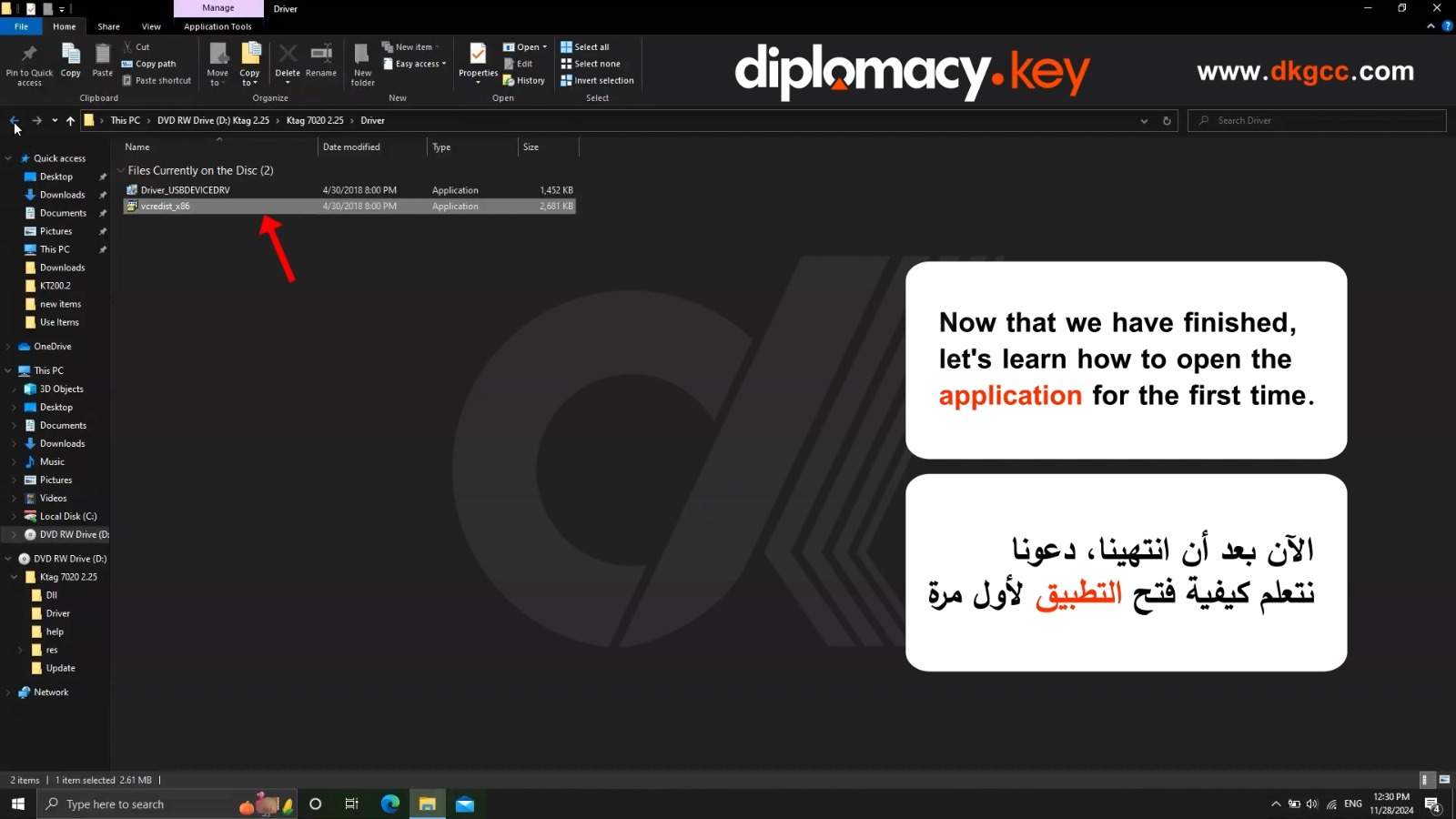
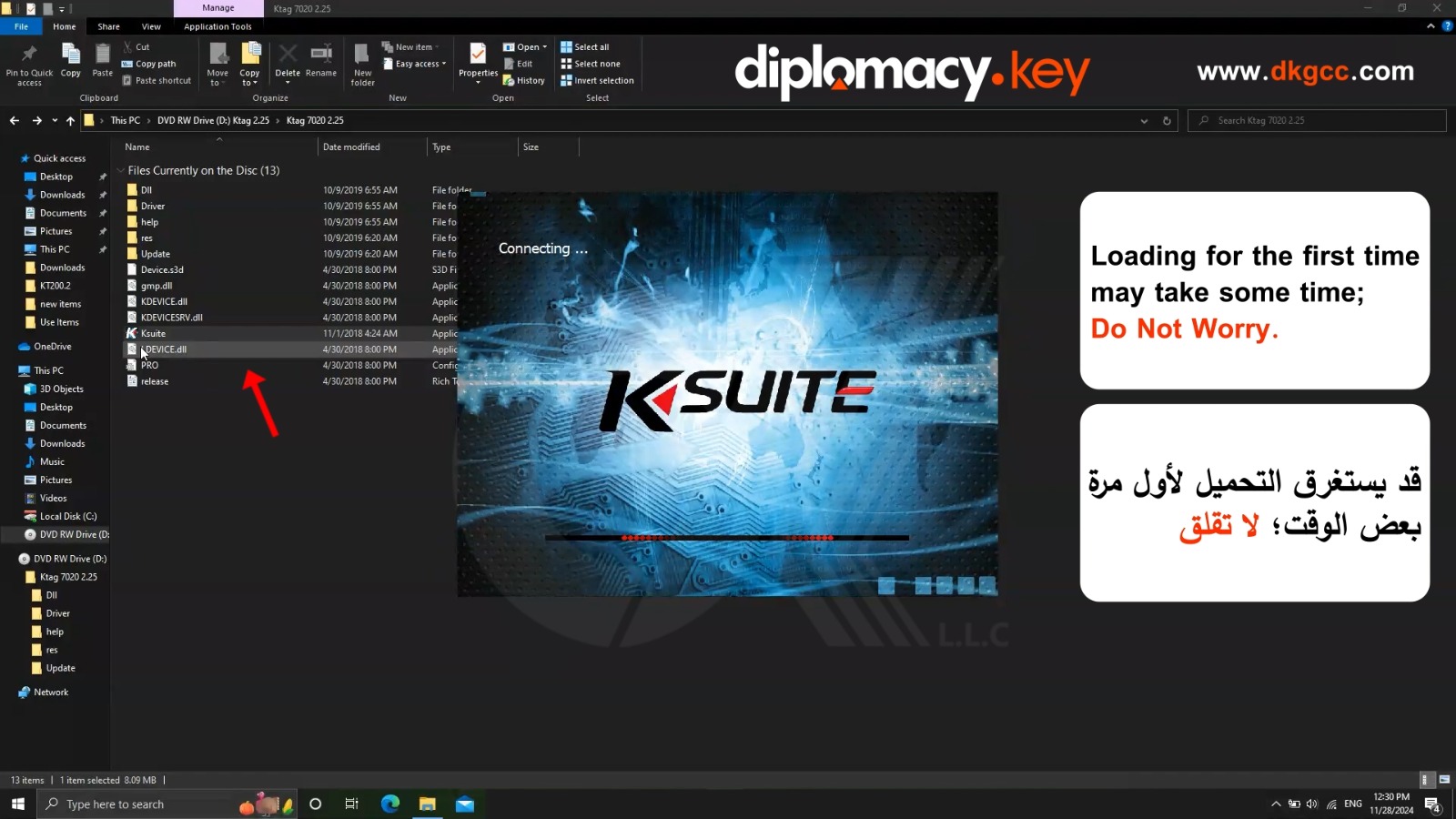
Now that we have finished, let's learn how to open the application for the first time.
-
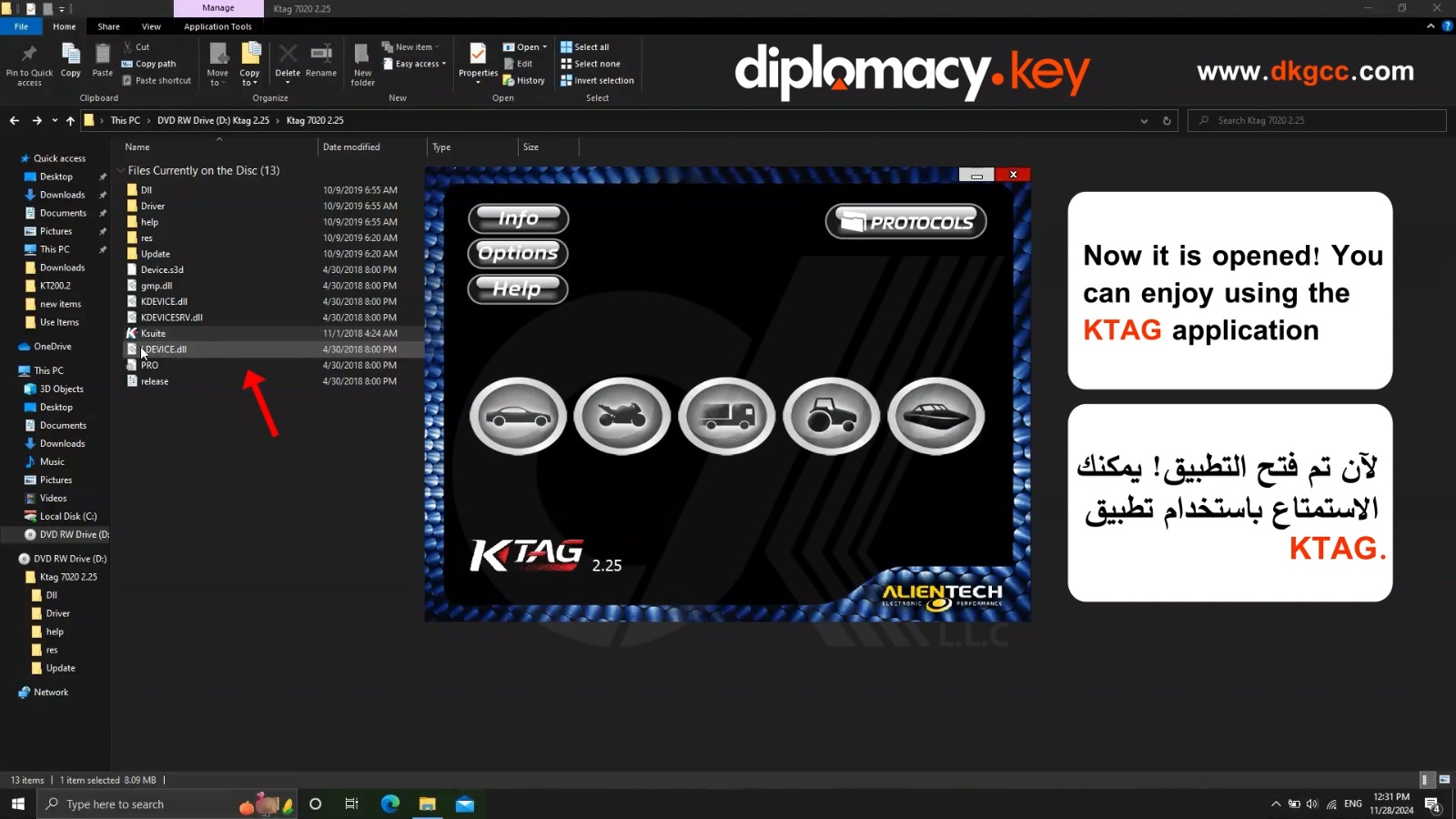
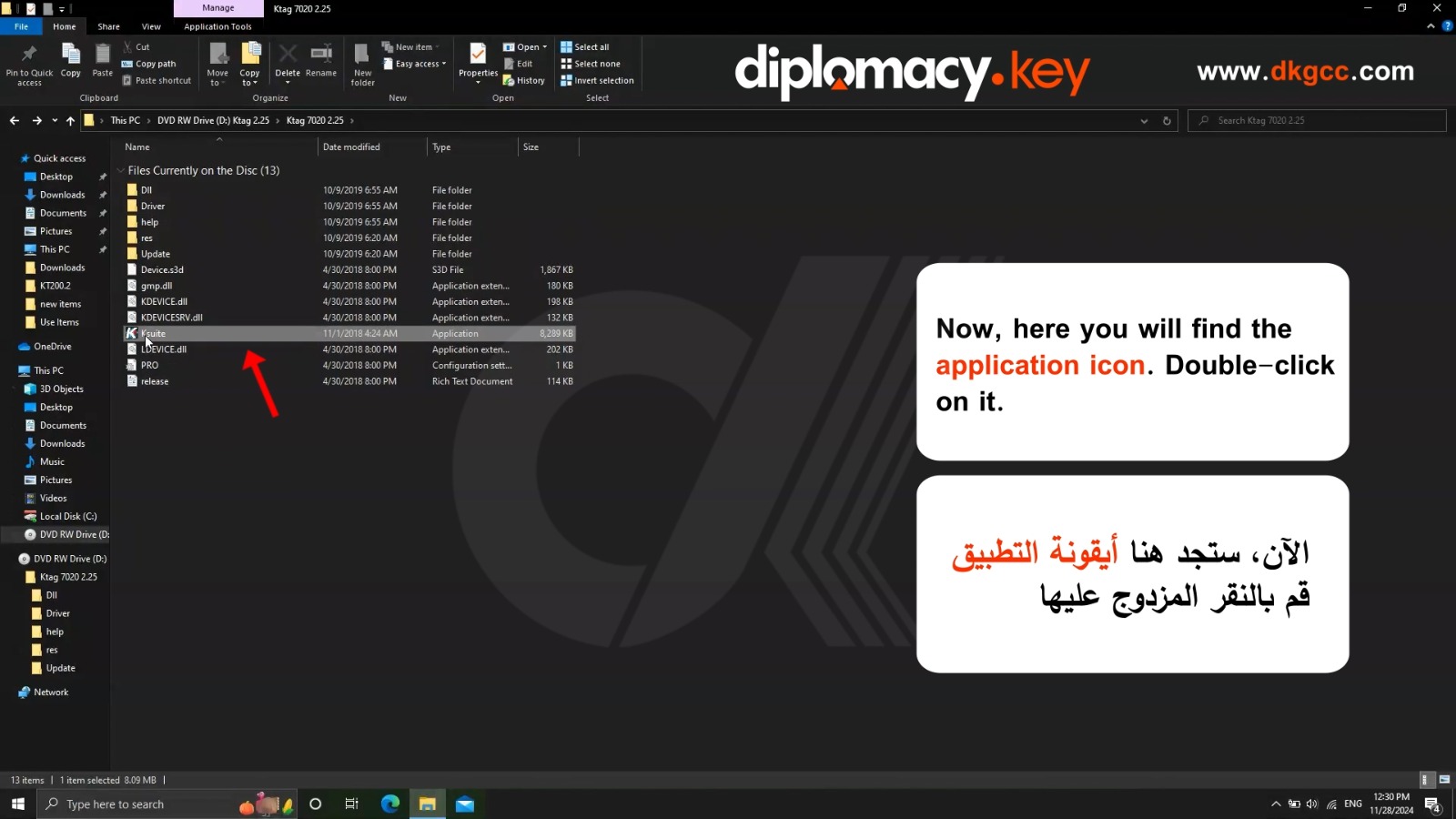
Now, here you will find the application icon. Double-click on it.
-
Loading for the first time may take some time; do not worry.
-
Now it is opened! You can enjoy using the KTAG application