
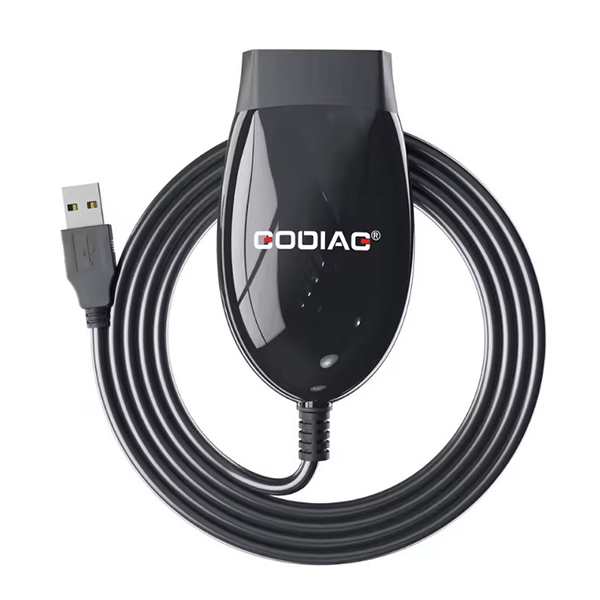
V2.3 GODIAG J2534 Software Setup How to Install GODIAG J2534 Software on Windows
The GODIAG J2534 Software (Version 2.3) is the official PC interface software for GODIAG J2534-compatible devices, designed for advanced diagnostics, ECU programming, and OEM-level re-flashing. Built on the SAE J2534-1 standard, this version enhances compatibility, stability, and communication speed across a wide range of vehicle manufacturers.
Ideal for use with tools such as the GODIAG GD101, GT105, and other passthru-capable hardware, the software enables seamless integration with OEM diagnostic platforms, making it a key asset for workshops and professional technicians.
GODIAG J2534 V2.3 Key Features :
-
Full J2534-1 Passthru Support
-
Enhanced Protocol Compatibility (CAN, K-Line, PWM, VPW)
-
Stable Communication with OEM Software (e.g., Techstream, IDS, INPA, SSM, etc.)
-
Faster Connection & Flashing Stability
-
Supports Windows 10/11 – 64-bit Recommended
-
Note: This version does not support Windows 7.
How to Install V2.3 GODIAG J2534 Software on Windows
-
Download the
.exesetup file Please Click here -
Run
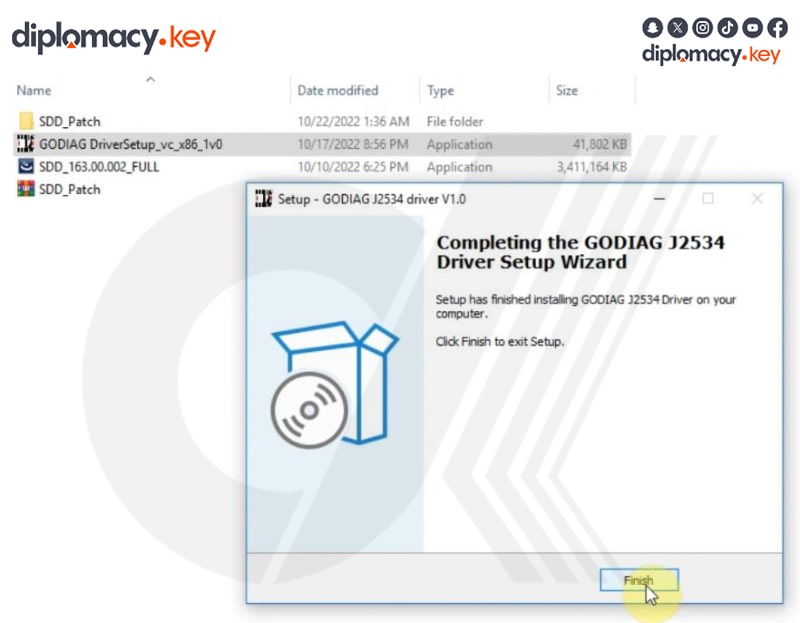
GODIAG_J2534_V2.3_Setup.exeas Administrator. -
Follow the on-screen installation prompts.
-
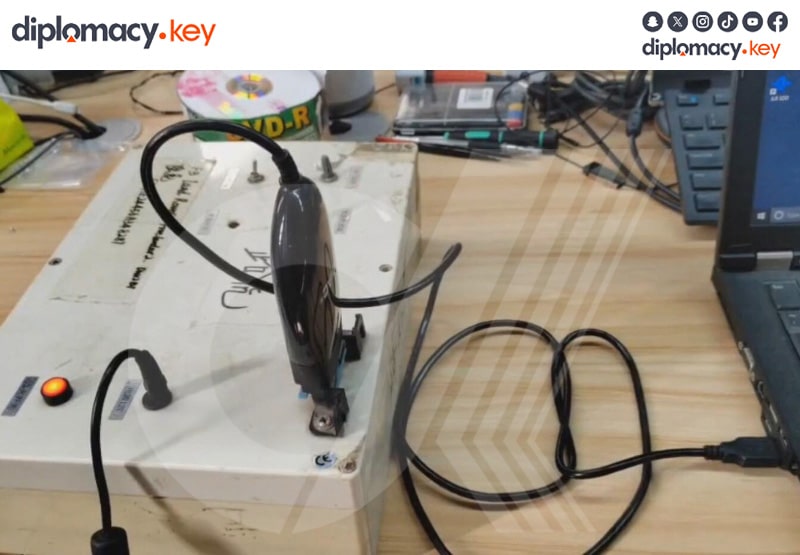
After installation, plug in your GODIAG J2534-compatible device.
-
Launch your preferred OEM software and select “GODIAG J2534” as the interface.
-
Begin diagnosis or programming immediately.
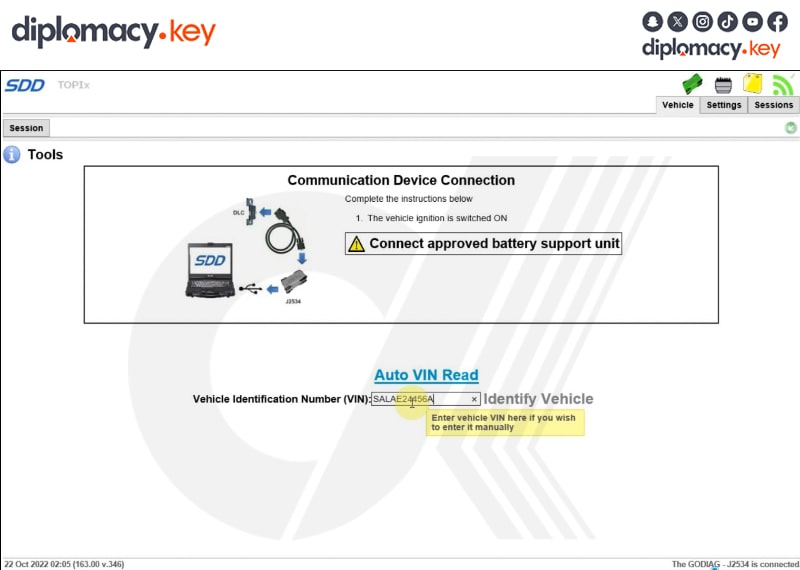
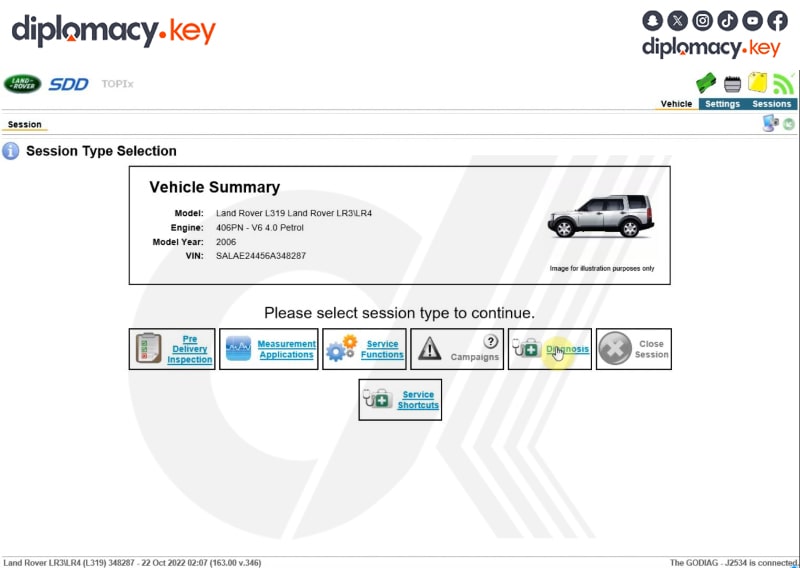
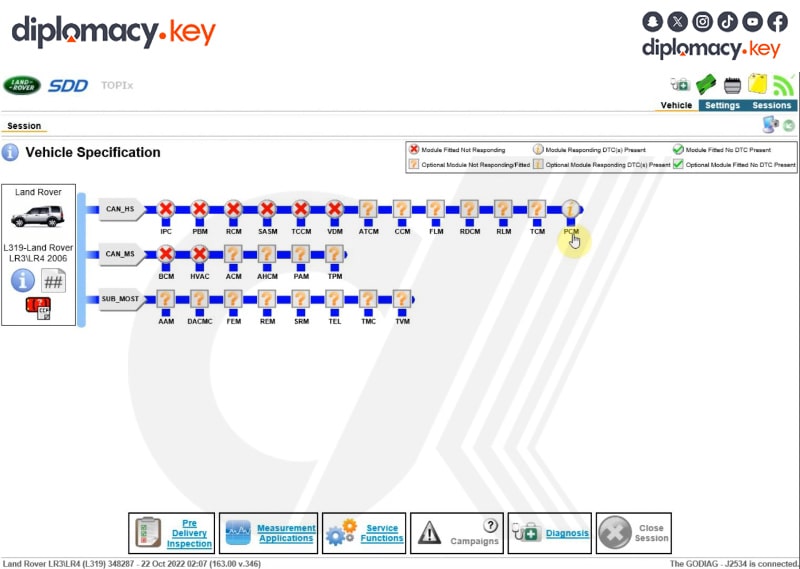
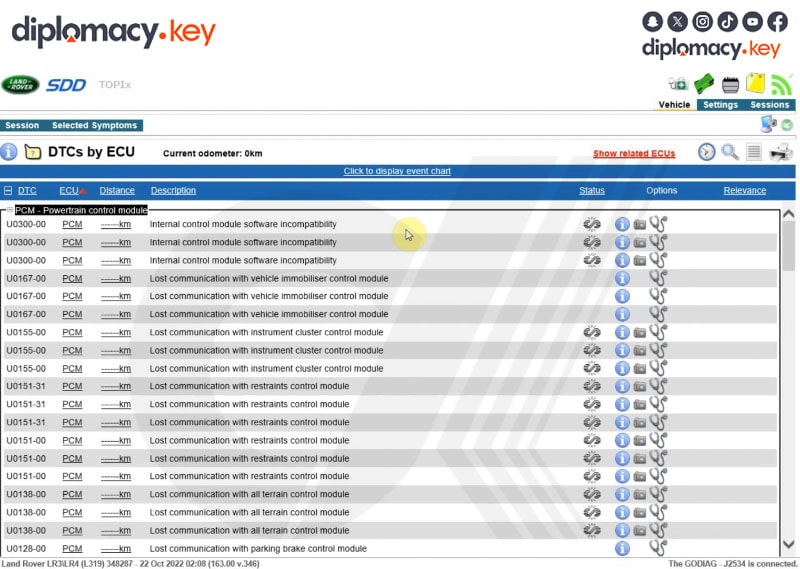
Version Information
-
Software Name: GODIAG J2534
-
Version: 2.3
-
Release Date: September 2025
-
File Format:
.exe -
Supported Devices:
-
GODIAG GD101
-
GODIAG GT105
-
Compatible 3rd-party J2534 passthru tools
-
Use Cases
-
ECU Reflashing with OEM tools
-
Diagnostic reading and coding
-
OEM module communication for vehicle repair
-
Used by workshops, locksmiths, and tuning professionals
Technical Notes
-
Ensure all drivers are installed before use
-
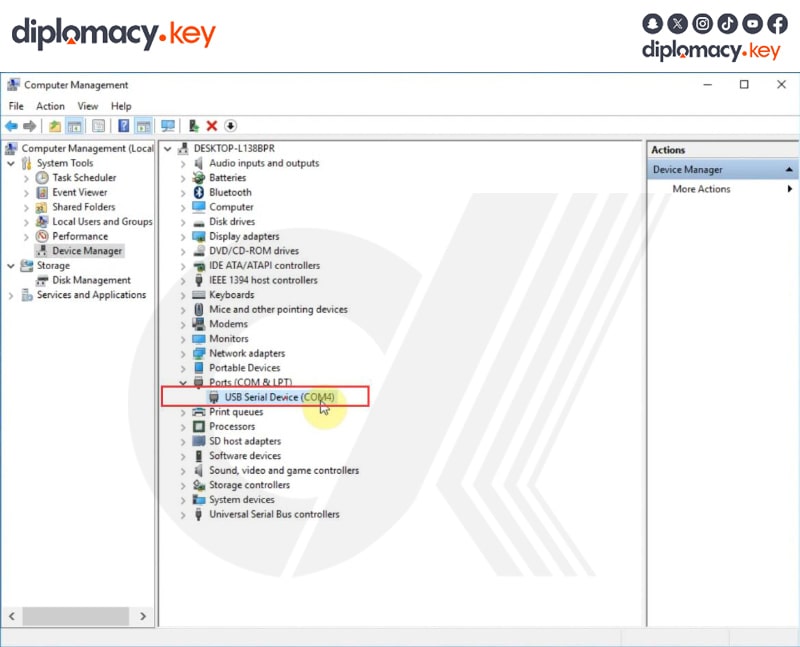
Some OEM platforms may require manual COM port selection
-
For advanced users: logging functions available for debug