
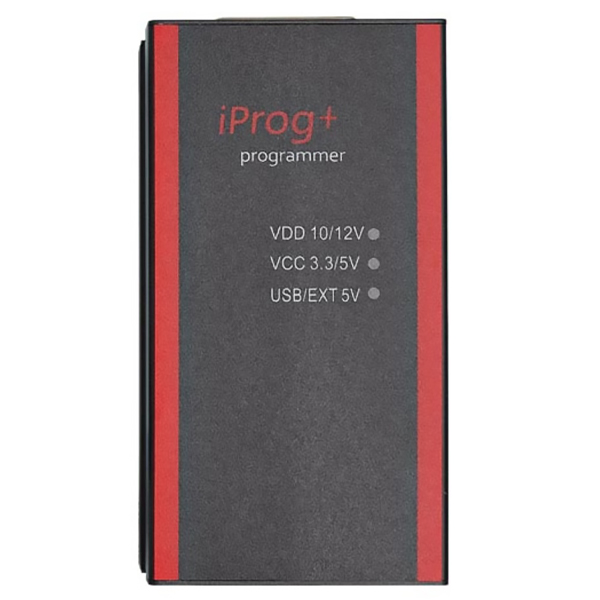
IProg+ Pro V87 Software Download and Setup
The iProg+ Pro Programmer is a powerful tool designed for automotive professionals and enthusiasts who require precise control over vehicle electronics. This software, compatible with various vehicles—including cars, motors, and trucks—offers an extensive list of functions such as key programming and mileage adjustments. This article will delve into the features of the iProg Pro V87 software, its installation instructions, and how it enhances the capabilities of auto technicians.
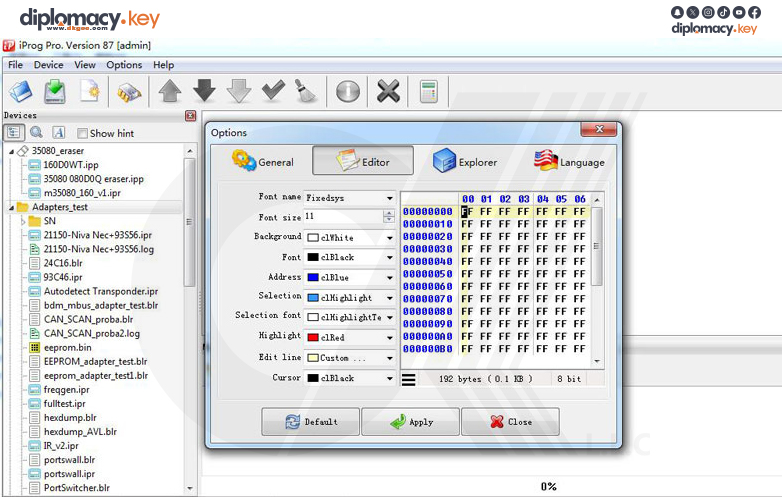
How to Install iProg+ Pro Software - Installation Guide :
-
Create a New Folder: Choose a convenient location on your disk and create a new folder named [iProgProSoftware].
-
Unpack the Archive: Extract the contents of the iProg Pro software archive into the newly created folder.
-
Run the Program: Open the program to initiate the setup process.
-
Check for Updates: Navigate to the menu item Help -> Check for Updates and follow the prompts to ensure you have the latest version.
-
Import Scripts and Calculators: Copy your scripts and calculators into their respective folders to expand the software’s capabilities.