
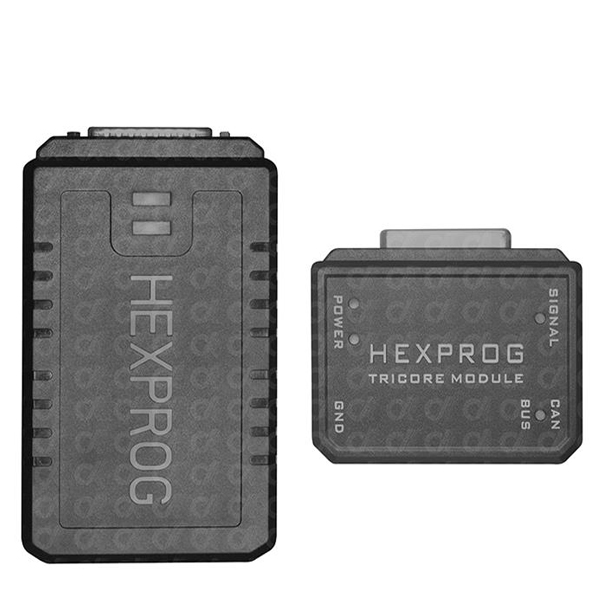
- Hexprog II User Manual
- General information about Autohex II features
- AutoHex II Program For Windows 7 32bits
- AutoHex II Program For Windows 7 64bits
- AutoHex II Program For Windows 8, 10 and 11 32bits
- AutoHex II Program For Windows 8, 10 and 11 64bits
- Hexprog II Tuner Program For Windows 7, 8, 10, 11
- HexProg Program For Windows 7 32bits
- HexProg Program For Windows 7 64bits
- HexProg Program For Windows 8, 10 and 11
Microtronik Autohex / HexProg Software Download :
HexProg II Tuner software Installation:
1. Download HexProg II Tuner software
2. Extract the software and install it to the PC Once the download is finished.
3. Connect HexProg II hardware to one of the USB ports of the PC
4. Click the update button on top of the software from the web address
5. Then the software will show you a login window.
6. Please go to www.hexprog.com and register your e-mail and fill up your details
7. Do not use special characters in password when you register
8. Go to your E-mail and activate account from the link given in the E-mail
9. Then come back to HexProg II Tuner software and fill up the e-mail and password created on www.hexprog.com
10. Software will start updating now and once the update is finished software can be used.
Hexprog Ecu List:
Download the Hexprog Ecu List PDF or Visit Hexprog II Ecu List
HexTag AutoHex Software Installation:
1 – Download the Hex Tag Winrar file whose features match those of your Windows system.
2 – Install the Hex Tag software after extracting the file.
3 – In order for the Hex Tag software to update, you must register using User Register Link
4 – After entering your information, click “Register.”
5 – Launch Hex Tag Software, then choose Update.
6 – When the software asks you to register, use the same E-Mail address and Password that you used to register using the previous link.
7 – Wait until the upgrade is finished.