
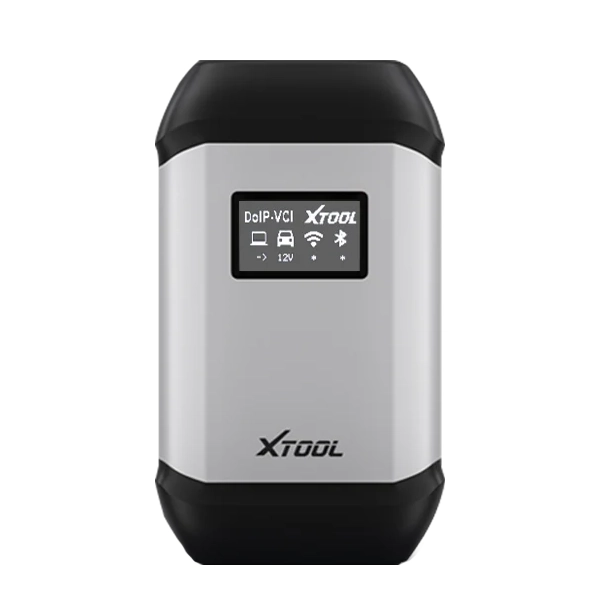
The XTOOL XVCI MAX is a professional J2534 Pass-Thru interface built for advanced vehicle diagnostics, ECU programming, module coding, and key programming. It connects your PC to the vehicle using OEM diagnostic software, providing accurate, stable, and efficient performance for workshops and technicians.
PC Requirements
- Processor: 1.6 GHz or higher
- Memory: 4 GB DDR4 or above
- Storage: 80 GB or more
- Operating System: Windows 10 / 8 / 7 (XP not supported)
- Network: LAN 100/1000M or Wi-Fi 802.11 a/b/g/n
- Software: Requires installation of OEM diagnostic software
Required Installations on PC
- Official OEM diagnostic software and valid account (provided by the user).
- J2534 VCI driver (included with the device).
- Dedicated driver software supplied by XTOOL.
How To Install the OEM driver :
Click the [Vehicle Diagnosis] tab of the XVCI Max software, and then click [My Application]
on the left side of the page, where the authorizations that the customer has are displayed. Click "JLR SDD", the driver installation interface will pop up: click [Install]

If the JLR SDD driver has been installed in the JLR-SDD system, if there is a JLRSDDdriver update, click [Update] here to update the JLR SDD driver

JLR SDD driver installation is complete, click [close] to complete the installation